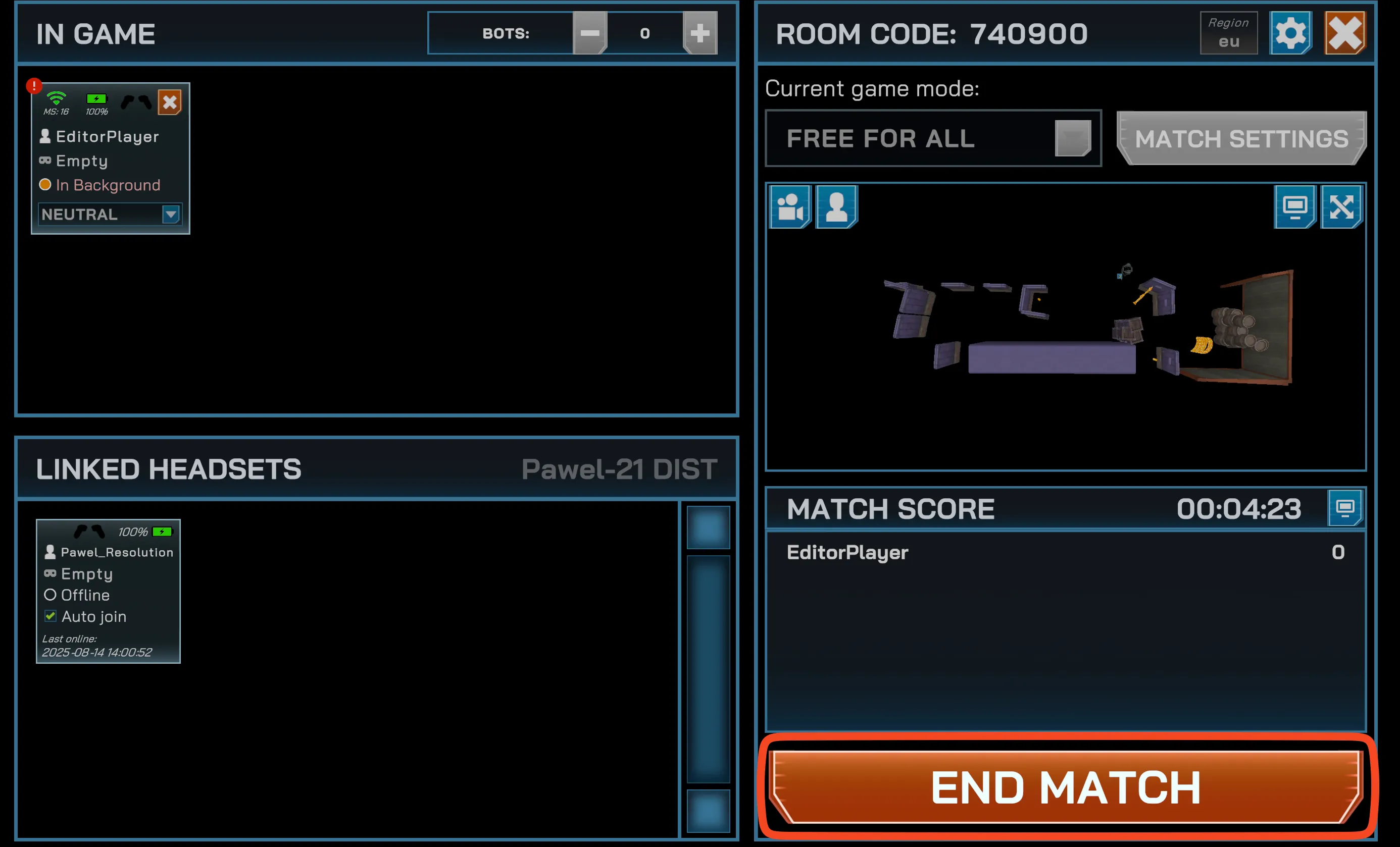

Start a Match
Once you have linked your headsets, you can start a match. Match hosting is driven entirely from the Manager app and works the same on Meta Quest and PICO Enterprise. See the Quick Start reference or go through the detailed steps below.
-
Choose a map from the main menu.
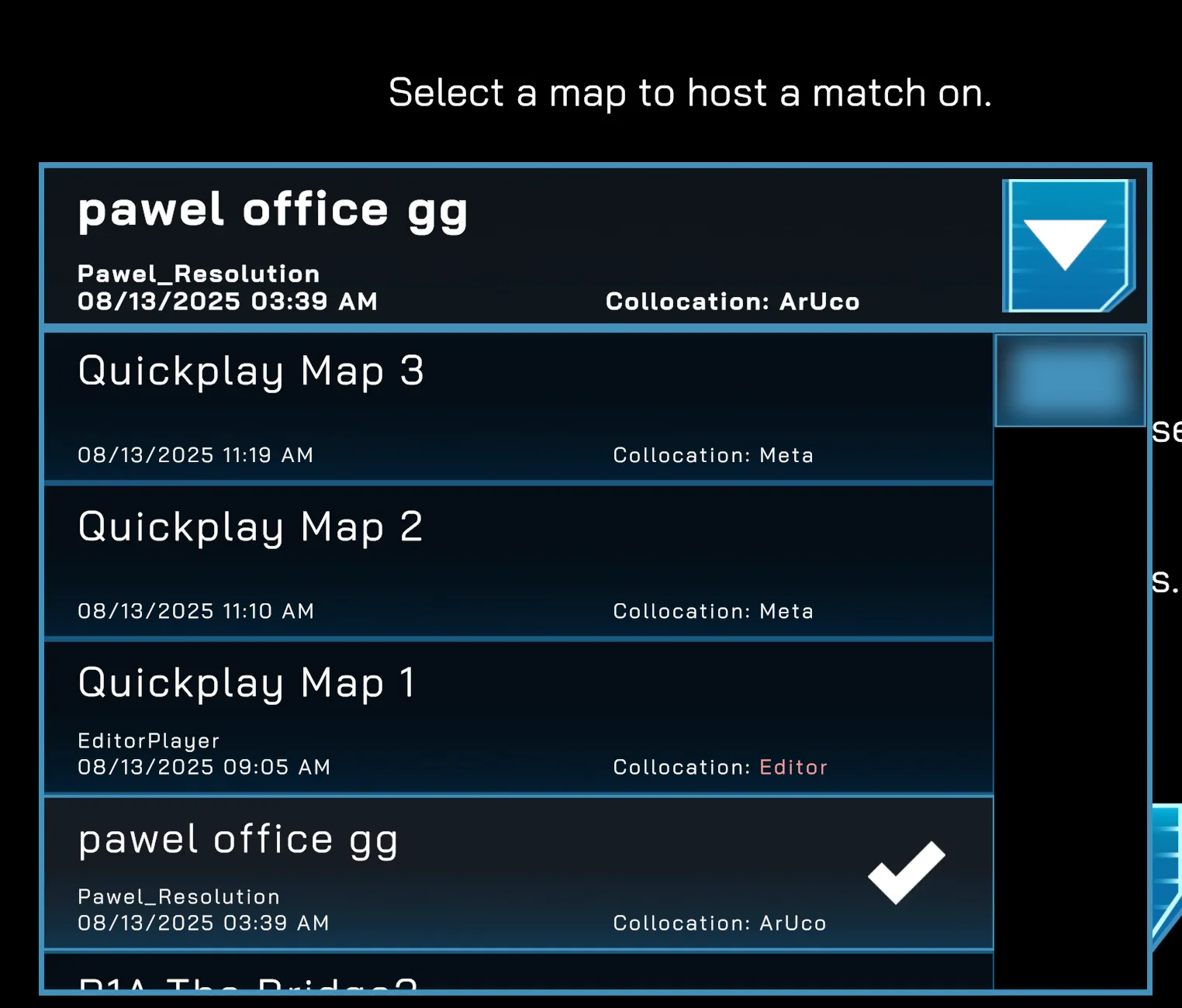
-
Press Start Session.
-
Ensure that at least one headset is connected (visible in the In Game section).
Linked headsets with Auto-join enabled connect on their own. Otherwise, headsets join with the room code shown in the Manager — launch Spatial Ops on the headset, choose Join Game, and enter the code, as covered in Add and Link Headsets.
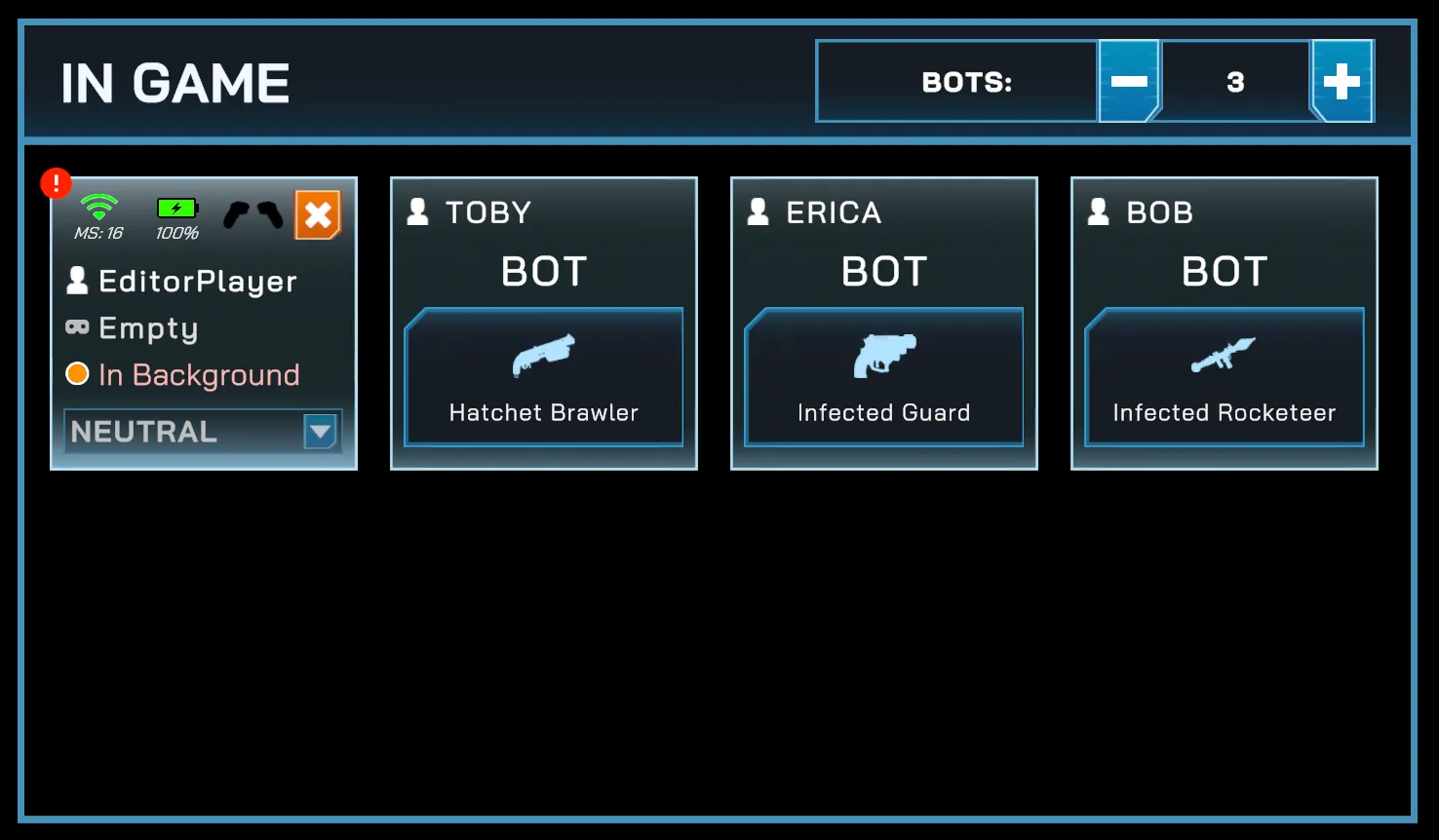
-
Once a headset is connected, the
Startbutton becomes active.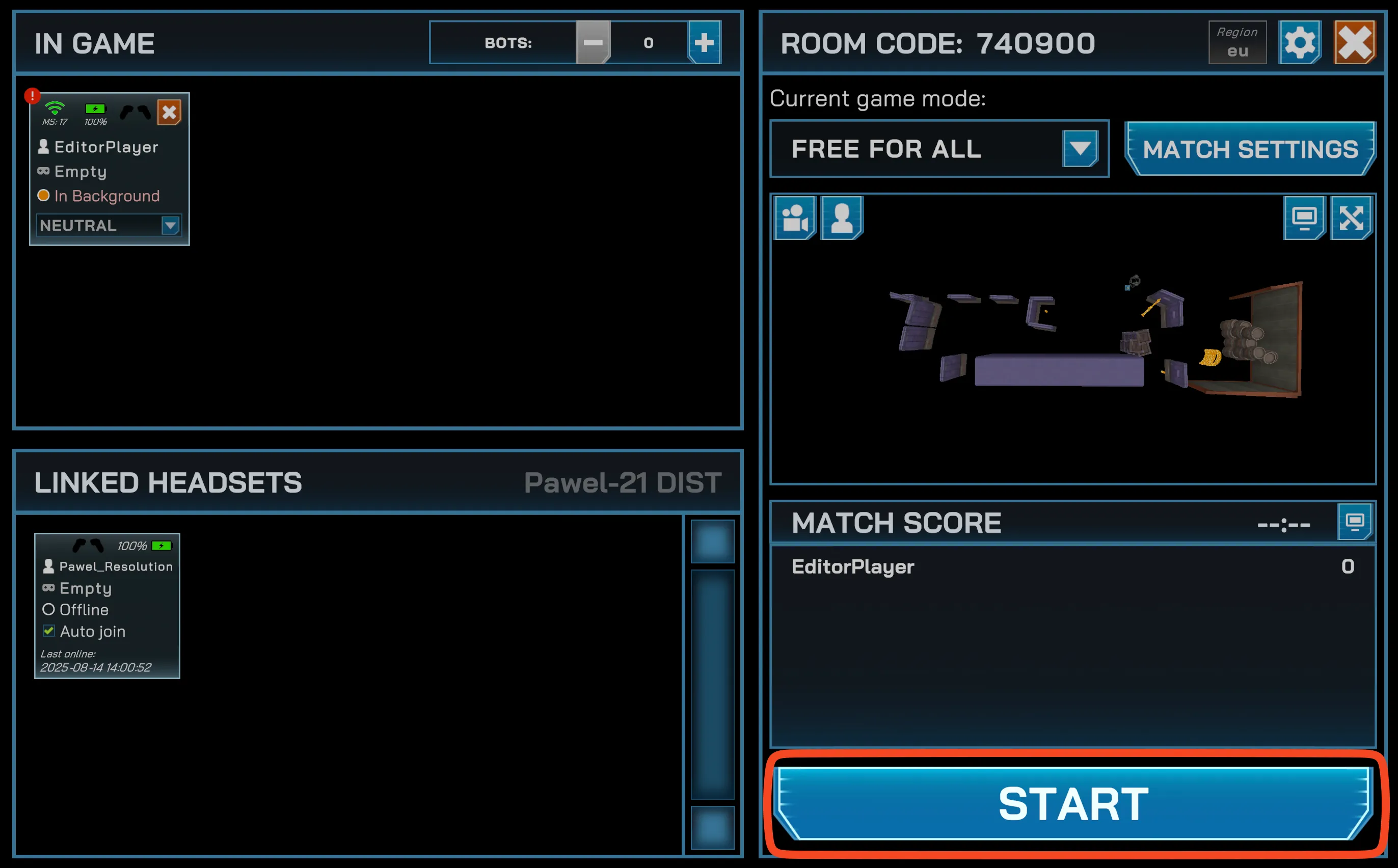
-
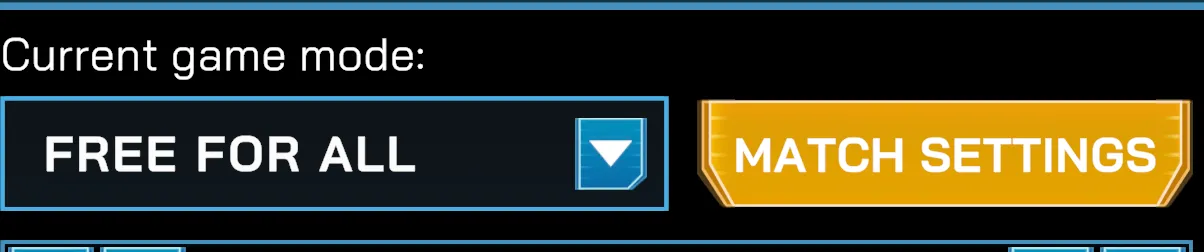
(Optional) Adjust match settings before starting:
-
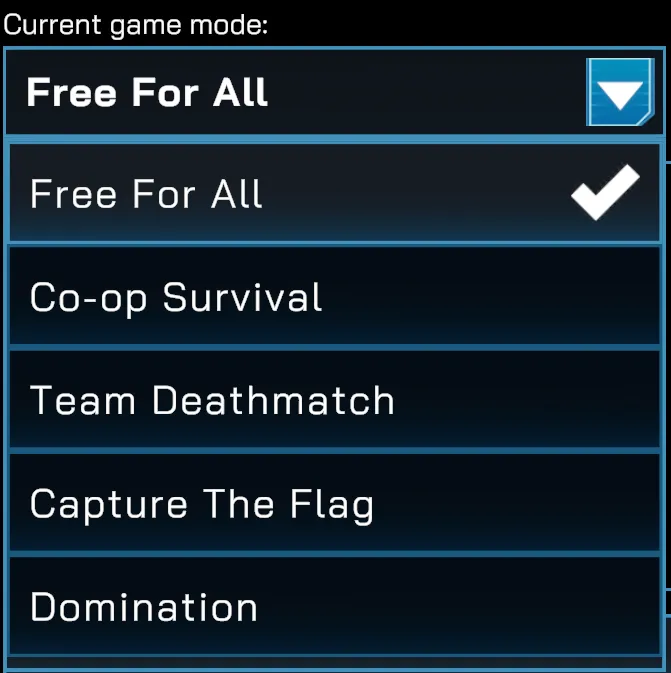
Game Mode — select from Free For All, Co-op Survival, Team Deathmatch, Capture the Flag, or Domination.
-
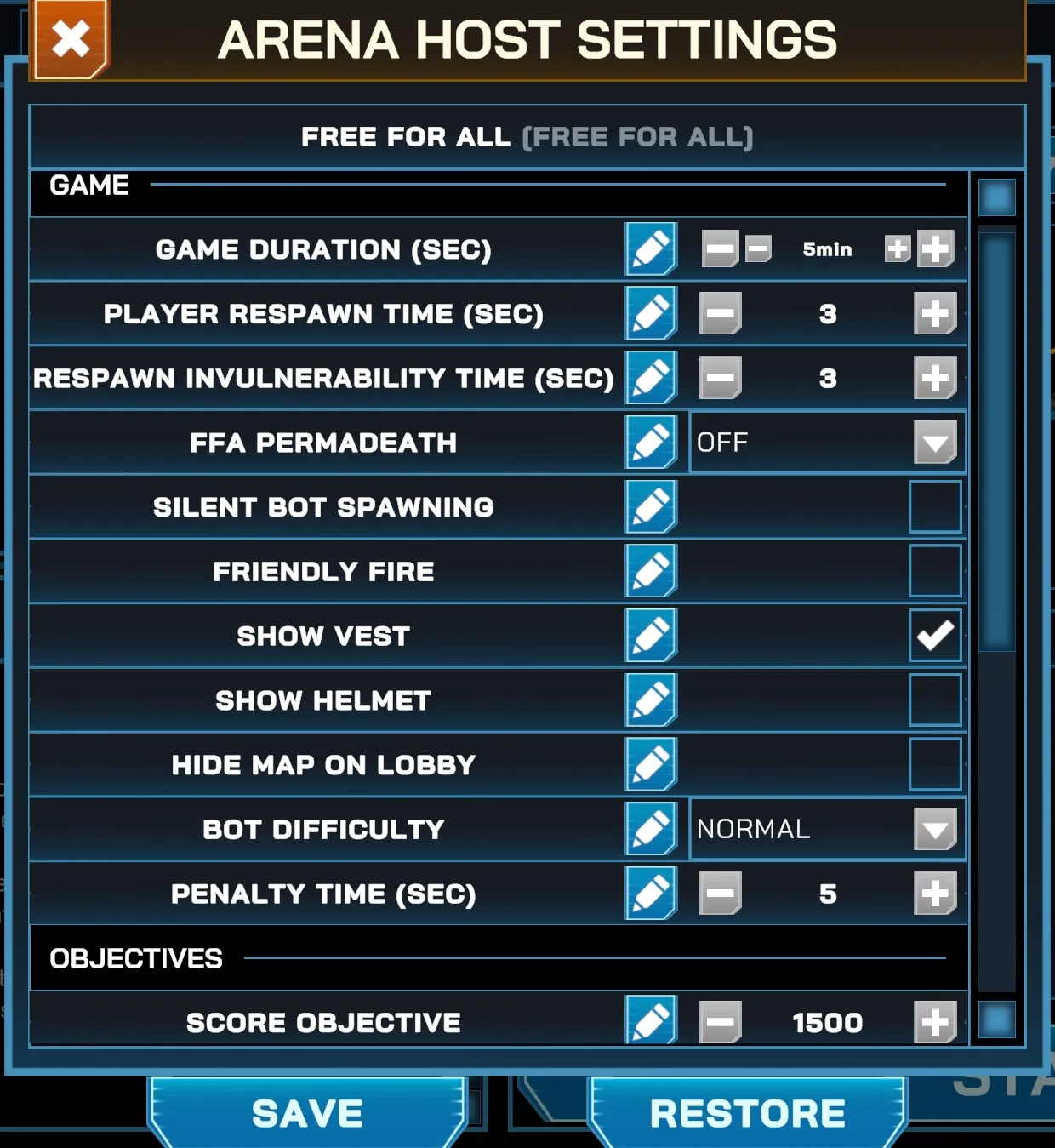
Rules — configure game duration, respawn times, score objectives, damage modifiers, allowed weapons, and more.
-
-
While the match is running, the End Match button should appear.